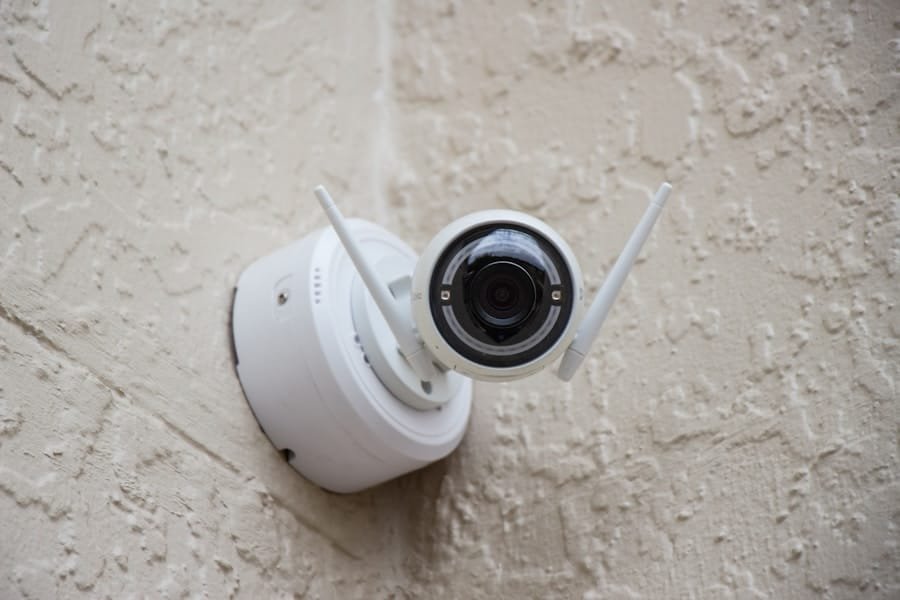
When it comes to home security, understanding the settings of your devices is crucial. You may have invested in a variety of security gadgets, from cameras to alarms, but if you don’t fully grasp how to configure them, you might not be getting the most out of your investment. Each device typically comes with a user manual that outlines its features and settings, but it’s easy to overlook the importance of these details.
Familiarizing yourself with the settings can empower you to tailor your security system to meet your specific needs. Take the time to explore the interface of your devices, whether they are controlled via a smartphone app or a physical panel. You’ll find options that allow you to adjust everything from camera angles to alarm sensitivity.
Understanding these settings not only enhances your security but also provides peace of mind. You can ensure that your home is monitored effectively, and you can respond promptly to any potential threats. By investing time in understanding these settings, you are taking a proactive step toward safeguarding your home.
Key Takeaways
- Understanding home security device settings is crucial for maximizing the effectiveness of your security system.
- Customizing alarm and notification settings allows you to tailor the system to your specific needs and preferences.
- Adjusting sensitivity levels for motion detection helps reduce false alarms and ensures accurate detection of potential threats.
- Personalizing access control and user permissions gives you control over who can access and manage your security system.
- Setting up customized schedules for monitoring allows you to automate security processes based on your daily routines and activities.
Customizing Alarm and Notification Settings
Once you have a grasp on the basic settings of your home security devices, the next step is to customize your alarm and notification settings. This is where you can fine-tune how and when you receive alerts about potential security breaches. For instance, you might want to set up notifications for specific events, such as when a door is opened or when motion is detected in certain areas of your home.
Tailoring these alerts ensures that you are only notified about incidents that matter to you, reducing unnecessary distractions. Moreover, consider the different types of notifications available. Many systems allow you to choose between push notifications on your smartphone, emails, or even text messages.
You can also set different alert levels for various situations; for example, a minor alert for someone entering your yard and a more urgent alert for a door being forced open. By customizing these settings, you can create a security system that works seamlessly with your lifestyle, ensuring that you remain informed without feeling overwhelmed.
Adjusting Sensitivity Levels for Motion Detection
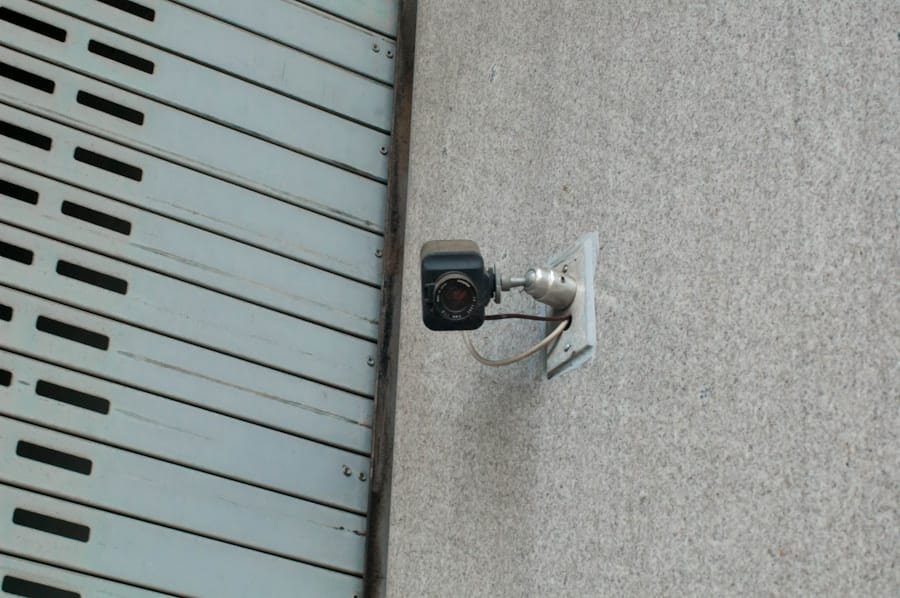
Motion detection is a key feature in many home security systems, but its effectiveness largely depends on how well it is calibrated. You may find that the default sensitivity levels are either too high or too low for your specific environment. If the sensitivity is set too high, you might receive constant alerts from pets or passing cars, leading to alarm fatigue.
Conversely, if it’s too low, you could miss important events that require your attention. Adjusting these sensitivity levels is essential for creating a balanced monitoring system. To find the right sensitivity level, consider the layout of your home and the areas you want to monitor.
For instance, if you have a busy street outside your window, you might want to lower the sensitivity for that particular camera while keeping it higher in less trafficked areas. Many systems allow you to test different settings in real-time, so take advantage of this feature. By fine-tuning motion detection sensitivity, you can ensure that your system accurately captures relevant activity while minimizing false alarms.
Personalizing Access Control and User Permissions
In today’s interconnected world, managing who has access to your home security system is more important than ever. Personalizing access control and user permissions allows you to determine who can view camera feeds, receive notifications, or even disarm alarms. This is particularly useful if you have family members or trusted friends who need access to your system while still maintaining control over sensitive features.
You can create different user profiles with varying levels of access based on individual needs. For example, you might grant full access to family members while providing limited access to guests or service personnel. This way, you can ensure that only authorized individuals can make changes to critical settings or view sensitive information.
Additionally, regularly reviewing and updating these permissions is a good practice to maintain security as circumstances change.
Setting Up Customized Schedules for Monitoring
Another effective way to enhance your home security is by setting up customized schedules for monitoring. This feature allows you to specify when certain devices should be active or inactive based on your daily routine. For instance, if you leave for work every morning at 8 AM and return at 6 PM, you can program your security cameras and alarms to activate during those hours automatically.
This not only streamlines your security process but also ensures that your home is protected when you’re away. Moreover, customized schedules can be adjusted for weekends or holidays when your routine may differ. Some systems even allow for temporary schedules if you’re going on vacation or hosting guests.
By taking advantage of this feature, you can create a dynamic security environment that adapts to your lifestyle while ensuring consistent protection.
Integrating Home Security Devices with Smart Home Systems
In an age where smart home technology is becoming increasingly prevalent, integrating your home security devices with other smart systems can significantly enhance their functionality. Many modern security systems are designed to work seamlessly with smart home platforms like Amazon Alexa or Google Home. This integration allows you to control multiple devices from a single interface, making it easier to manage your home environment.
For example, imagine arriving home after a long day at work; with integrated systems, you could simply say, “I’m home,” and have your lights turn on while disarming the security system simultaneously. This level of convenience not only enhances your daily life but also adds an extra layer of security by ensuring that all systems are synchronized. As you explore integration options, consider which devices will work best together and how they can complement each other for optimal performance.
Customizing Remote Monitoring and Control Options
Remote monitoring and control options are essential features of modern home security systems that allow you to keep an eye on your property from anywhere in the world. Customizing these options can provide you with greater flexibility and peace of mind. Most systems offer mobile apps that enable you to view live camera feeds, receive alerts, and even control devices remotely.
However, it’s important to tailor these features according to your preferences. For instance, you might want to set up specific alerts for unusual activity during certain hours or enable remote access only when you’re away from home. Additionally, consider how often you want to check in on your property; some people prefer real-time updates while others may only want notifications for significant events.
By customizing remote monitoring options, you can create a system that fits seamlessly into your lifestyle while ensuring that you’re always connected to your home’s security.
Ensuring Compatibility and Security when Customizing Settings
As you delve into customizing settings for your home security devices, it’s vital to ensure compatibility and maintain security throughout the process. Not all devices work well together; therefore, before making any changes or additions to your system, verify that they are compatible with each other and with any existing smart home platforms you may be using. This will help prevent any potential issues down the line and ensure that all components function harmoniously.
Security should also be a top priority when customizing settings. Make sure that any changes made do not compromise the integrity of your system. Regularly update passwords and enable two-factor authentication where possible to protect against unauthorized access.
By being vigilant about compatibility and security as you customize your settings, you can create a robust home security system that not only meets your needs but also keeps potential threats at bay. In conclusion, customizing your home security device settings is an essential step toward creating a safe and secure environment tailored specifically for you and your family. By understanding device settings, personalizing alarm notifications, adjusting motion detection sensitivity, managing access control, setting schedules, integrating with smart home systems, customizing remote monitoring options, and ensuring compatibility and security throughout the process, you empower yourself with the tools necessary for effective home protection.
Taking these steps will not only enhance your peace of mind but also ensure that your home remains a safe haven in an ever-changing world.
If you are interested in learning more about home security systems, you may want to check out the article Common Myths About Home Security Systems Debunked. This article provides valuable information about misconceptions surrounding home security systems and can help you make informed decisions when customizing the settings of your own devices. Additionally, you can visit oursecurehome.net for more resources and services related to home security in Albuquerque, New Mexico.
FAQs
What are home security devices?
Home security devices are electronic systems designed to protect your home from intruders, fire, and other emergencies. These devices can include alarms, cameras, motion sensors, and smart locks.
Can I customize the settings of home security devices?
Yes, most home security devices come with customizable settings that allow you to tailor the system to your specific needs. This can include adjusting alarm sensitivity, setting up custom alerts, and creating unique access codes for different users.
What types of settings can be customized?
The types of settings that can be customized will vary depending on the specific home security device, but common options include adjusting motion sensor sensitivity, setting up specific times for arming and disarming the system, and customizing notification preferences.
Do I need technical knowledge to customize home security device settings?
While some advanced customization options may require technical knowledge, most home security devices are designed to be user-friendly and can be easily customized through the device’s app or control panel. Many companies also offer customer support to assist with any technical questions or issues.
Are there any limitations to customizing home security device settings?
Some home security devices may have limitations on the extent to which settings can be customized. For example, certain features may only be available with a specific subscription plan or may require additional hardware. It’s important to review the capabilities of a device before purchasing to ensure it meets your customization needs.