You may have experienced moments when your devices or systems simply refuse to function as expected. These unexplained malfunctions can range from minor glitches to significant failures that disrupt your daily routine. Imagine waking up to find that your smart home system has inexplicably reset itself, leaving you fumbling in the dark for light switches.
Such occurrences can be frustrating, especially when you rely on technology to streamline your life. You might wonder if these issues are merely the result of software bugs or if they hint at something more sinister lurking beneath the surface. As you delve deeper into the realm of unexplained malfunctions, you may begin to notice patterns that raise your suspicions.
Perhaps your security system has a habit of going offline at odd hours, or your smart thermostat adjusts itself without any input from you. These anomalies can lead you to question the integrity of your devices and the security measures in place. It’s essential to remain vigilant and document these occurrences, as they could be indicative of a larger problem that requires immediate attention.
By keeping a record, you empower yourself to take action and seek solutions, whether that means contacting customer support or investigating potential vulnerabilities in your system.
Key Takeaways
- Unexplained malfunctions can be a sign of potential security threats and should be investigated promptly.
- Strange activity on security cameras may indicate unauthorized access or tampering with the system.
- Unauthorized access to system controls should be taken seriously and addressed immediately to prevent further security breaches.
- Suspicious notifications or alerts should be thoroughly examined to determine the source and potential security implications.
- Changes in system settings without authorization could be a red flag for security threats and should be investigated promptly.
Strange Activity on Security Cameras
When you review footage from your security cameras, you expect to see familiar faces and routine activities. However, if you notice strange activity that doesn’t align with your daily life, it can be unsettling. You might catch glimpses of shadows moving in the background or hear unusual sounds that don’t belong in your environment.
These anomalies can evoke a sense of unease, prompting you to question whether your security measures are truly effective or if there’s something more concerning at play. As you analyze the footage further, you may find yourself piecing together a puzzle that doesn’t quite fit. Perhaps there are times when the cameras seem to malfunction, skipping frames or failing to record entirely.
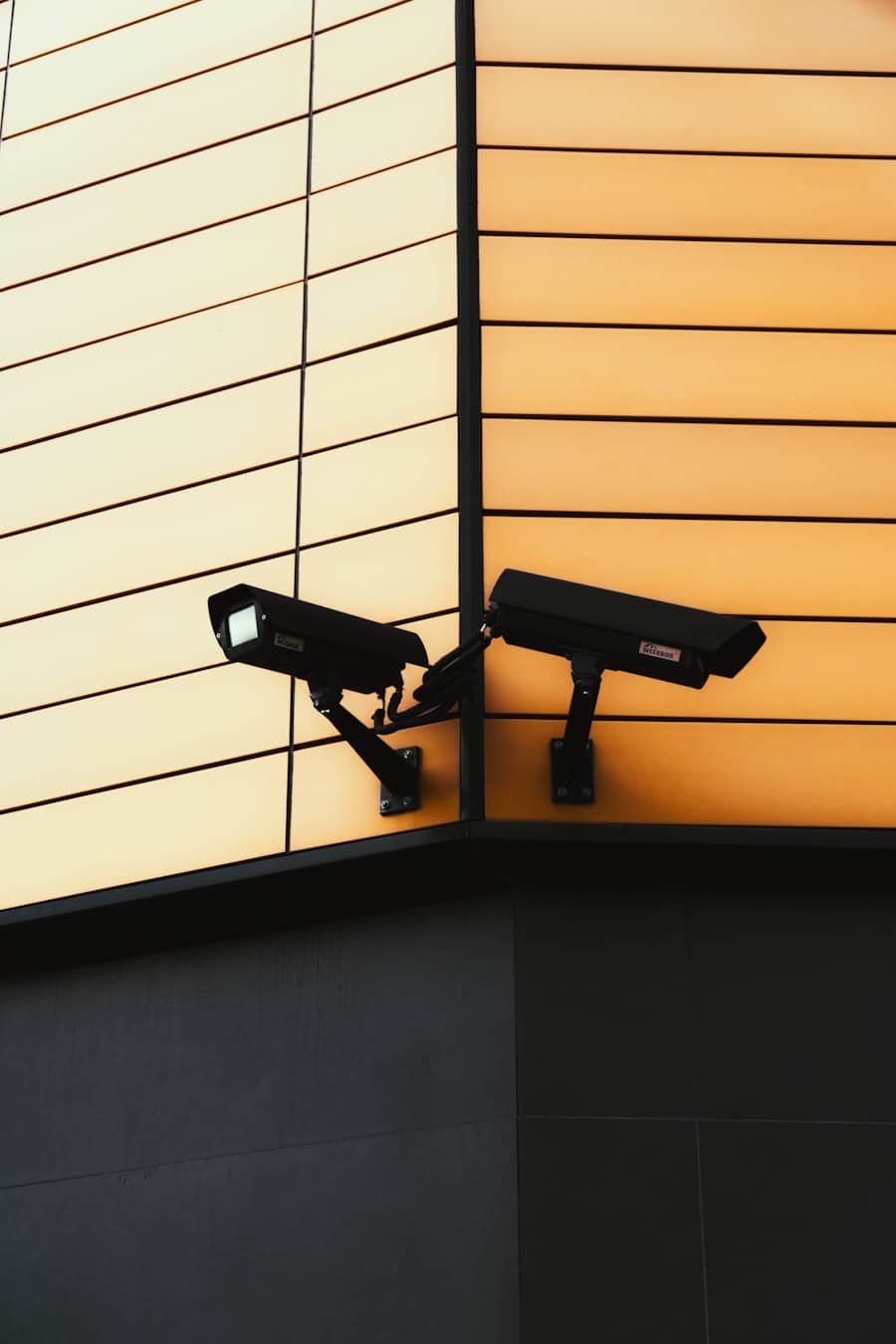
This inconsistency can lead you to suspect that someone may be tampering with your system or attempting to evade detection. It’s crucial to take these observations seriously and consider enhancing your security protocols. Whether it’s adjusting camera angles, upgrading your equipment, or even consulting with a professional, taking proactive steps can help ensure that your home remains a safe haven.
Unauthorized Access to System Controls
In an age where technology governs much of our lives, unauthorized access to system controls is a serious concern. You may have experienced the unsettling feeling of knowing that someone else has gained entry into your devices or accounts without your permission. This breach of privacy can leave you feeling vulnerable and exposed, as it raises questions about who is watching and what information they may have access to.
If you notice unfamiliar devices connected to your network or receive alerts about logins from unknown locations, it’s time to take action. You should immediately change your passwords and enable two-factor authentication wherever possible. Additionally, reviewing access logs can provide insight into any suspicious activity that may have occurred.
By taking these steps, you not only protect yourself but also regain a sense of control over your digital environment. Remember, staying informed and proactive is key in safeguarding against unauthorized access.
Suspicious Notifications or Alerts
Receiving notifications from your devices is typically a routine part of modern life, but what happens when those alerts become suspicious? You might find yourself receiving messages about failed login attempts or unusual activity on accounts you thought were secure. These notifications can be alarming and may indicate that someone is attempting to breach your security measures.
When faced with such alerts, it’s essential to remain calm and assess the situation critically. Take the time to verify the authenticity of the notifications; phishing attempts often masquerade as legitimate alerts to trick you into providing sensitive information. If you suspect that an alert is genuine, investigate further by checking your account activity and ensuring that no unauthorized changes have been made.
By staying vigilant and informed, you can better protect yourself from potential threats and maintain the integrity of your systems.
Changes in System Settings
You may have noticed unexpected changes in your system settings that leave you scratching your head in confusion. Perhaps your device has reverted to factory settings, or certain features have been disabled without any input from you. These alterations can disrupt your workflow and raise concerns about the security of your devices.
It’s essential to recognize that such changes could be indicative of unauthorized access or tampering. When confronted with unexpected modifications, it’s crucial to investigate the root cause. Start by reviewing recent activity logs and checking for any unfamiliar devices connected to your network.
If you discover evidence of tampering, take immediate action by securing your accounts and changing passwords. Additionally, consider implementing stricter security measures, such as enabling alerts for changes made to system settings. By being proactive in addressing these issues, you can help safeguard your devices against future intrusions.
Unusual Network Activity
As you navigate the digital landscape, monitoring network activity becomes increasingly important for maintaining security. You might notice unusual spikes in data usage or unfamiliar devices accessing your network without your consent. Such irregularities can signal potential threats and warrant immediate investigation.
Understanding the flow of data within your network is crucial for identifying vulnerabilities and protecting sensitive information. To address unusual network activity effectively, consider utilizing network monitoring tools that provide insights into connected devices and data usage patterns. By analyzing this information, you can pinpoint any anomalies and take appropriate action.
If you discover unauthorized devices on your network, it’s essential to remove them immediately and change your Wi-Fi password to prevent further access. Staying vigilant about network activity not only enhances your security but also empowers you to take control of your digital environment.
Evidence of Tampering with Hardware
When it comes to safeguarding your technology, physical security is just as important as digital protection. You may find yourself inspecting hardware components for signs of tampering or unauthorized access. This could include anything from loose cables to missing screws on devices that should remain sealed.
Discovering evidence of tampering can be alarming and may indicate that someone has attempted to compromise your systems physically. If you suspect tampering with hardware, it’s crucial to document any findings thoroughly. Take photographs and make notes about what you observe, as this information could be valuable if you need to report the incident or seek professional assistance.
Additionally, consider enhancing physical security measures around sensitive equipment by installing locks or surveillance cameras in critical areas. By being proactive in protecting both digital and physical aspects of your technology, you can create a more secure environment for yourself and your data.
Reports of Security Breaches from Other Users
In today’s interconnected world, staying informed about security breaches affecting others can provide valuable insights into potential risks for yourself. You may come across reports from fellow users experiencing similar issues with their devices or systems. These shared experiences can serve as a warning sign, prompting you to evaluate your own security measures and take necessary precautions.
When learning about security breaches from other users, consider reaching out to them for more information about their experiences and how they addressed the situation. This exchange of knowledge can help you identify vulnerabilities within your own systems and implement effective solutions before an incident occurs. Additionally, staying engaged with online communities focused on technology security can keep you updated on emerging threats and best practices for safeguarding your devices.
By remaining proactive and informed, you can better protect yourself against potential breaches and ensure a safer digital experience overall.
If you are concerned about the security of your home security system, you may want to read the article on Home Security System Service in Raleigh, North Carolina. This article provides valuable information on how to ensure your system is not hacked and offers tips on how to protect your home from potential security breaches. It is important to stay informed and take proactive measures to safeguard your home and loved ones.
FAQs
What are signs that my home security system may be hacked?
Some signs that your home security system may be hacked include unexplained changes in settings, strange behavior from your security cameras or alarms, and unauthorized access to your system.
How can I check if my home security system has been hacked?
You can check if your home security system has been hacked by reviewing your system’s logs for any unusual activity, checking for any unauthorized devices connected to your network, and conducting regular security audits.
What should I do if I suspect my home security system has been hacked?
If you suspect your home security system has been hacked, you should immediately change your system’s passwords, update your system’s firmware, and contact your security system provider for assistance.
How can I prevent my home security system from being hacked?
To prevent your home security system from being hacked, you should regularly update your system’s firmware, use strong and unique passwords, enable two-factor authentication, and regularly monitor your system for any unusual activity.