
When it comes to ensuring the safety of your home or business, the first step is often a thorough visual inspection of your security devices. You should begin by examining the physical condition of each component, including cameras, alarms, and motion detectors. Look for any signs of wear and tear, such as frayed wires, cracked casings, or loose connections.
These issues can compromise the effectiveness of your security system, making it crucial to address them promptly. A simple visual check can reveal potential problems that might otherwise go unnoticed until it’s too late. In addition to checking for physical damage, you should also assess the placement of your security devices.
Are the cameras positioned to cover all entry points? Are motion detectors placed in areas where they can effectively monitor movement? You may find that some devices need to be repositioned for optimal coverage.
This proactive approach not only enhances your security but also gives you peace of mind knowing that you have taken the necessary steps to protect your property.
Key Takeaways
- Visual inspection of the security device is crucial to ensure that it is properly installed and free from any physical damage or tampering.
- Testing the alarm system regularly helps to ensure that it is functioning properly and will alert you in case of an emergency.
- Checking the power source of the security device is important to ensure that it is receiving adequate power and is not at risk of failing during an emergency.
- Verifying communication with the monitoring center is essential to ensure that emergency signals are being properly transmitted and received.
- Reviewing activity logs can provide valuable insights into any security breaches or system malfunctions that may have occurred.
- Testing sensors and detectors regularly helps to ensure that they are accurately detecting any potential security threats.
- Consulting with a professional can provide valuable guidance on how to best maintain and optimize your security system.
- Regular maintenance and upkeep of the security system is essential to ensure its continued effectiveness and reliability.
Testing the Alarm System
Once you have completed a visual inspection, the next logical step is to test the alarm system itself. This process involves activating the alarm to ensure that it functions as intended. You should familiarize yourself with the alarm’s control panel and follow the manufacturer’s instructions for testing.
This may include setting off the alarm and verifying that it sounds as expected. Pay attention to any unusual noises or malfunctions during this process, as they could indicate underlying issues that need to be addressed. In addition to testing the alarm’s sound, you should also check its response time.
After triggering the alarm, observe how quickly it alerts you and any monitoring services you have in place. A delay in response could be a sign of a malfunctioning system or poor communication with your monitoring center. By conducting these tests regularly, you can ensure that your alarm system remains reliable and effective in protecting your property.
Checking the Power Source
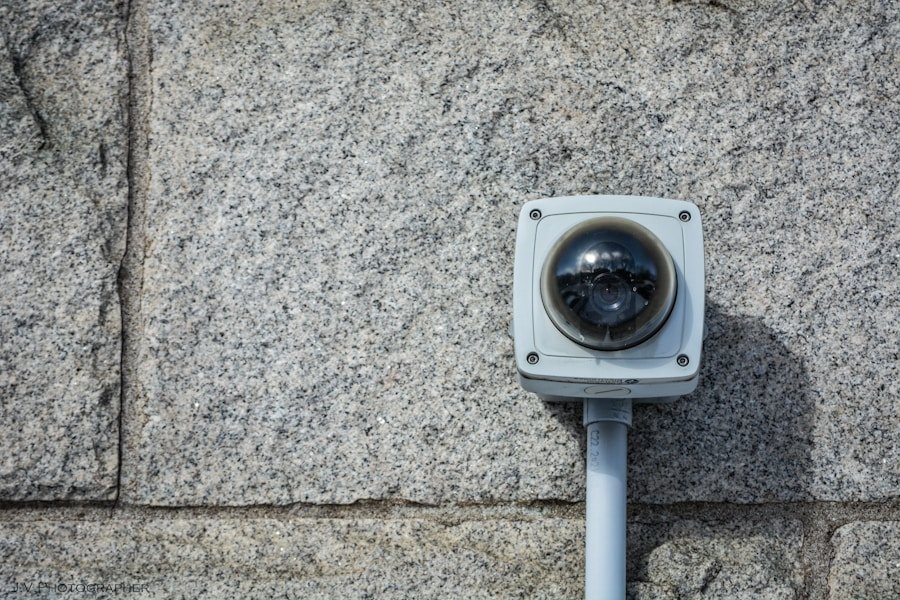
A security system is only as reliable as its power source, so checking this aspect is essential for maintaining functionality. Start by inspecting the power supply for your security devices. Ensure that all connections are secure and that there are no signs of damage or corrosion.
If your system relies on batteries, make it a habit to replace them regularly, even if they haven’t shown signs of depletion. This proactive approach can prevent unexpected failures when you need your security system most. Additionally, consider the backup power options available for your security system.
Many modern systems come equipped with battery backups that kick in during power outages. You should test these backups periodically to ensure they are functioning correctly. A power failure can render your security system useless if it isn’t equipped with a reliable backup solution.
By taking these steps, you can rest assured that your security devices will remain operational even in challenging circumstances.
Verifying Communication with Monitoring Center
For many security systems, communication with a monitoring center is a critical component of their effectiveness. To verify this communication, you should conduct regular tests to ensure that alerts are being sent and received as intended. Start by triggering an alarm and then check whether the monitoring center receives the alert promptly.
This process may involve contacting them directly to confirm that they received the notification and that their response protocols are in place. In addition to testing alerts, you should also review any communication logs provided by your monitoring service. These logs can offer valuable insights into how often your system communicates with the center and whether there are any gaps in communication.
If you notice any irregularities or delays, it may be time to consult with your service provider to address potential issues. Ensuring seamless communication with your monitoring center is vital for maintaining an effective security system.
Reviewing Activity Logs
Activity logs are an essential tool for understanding how your security system has been functioning over time. You should take the time to review these logs regularly, as they provide a detailed account of all events related to your security devices. Look for patterns or anomalies in the data that could indicate potential issues or areas for improvement.
For instance, if you notice frequent false alarms or missed alerts, it may be time to investigate further. In addition to identifying problems, reviewing activity logs can also help you assess the overall effectiveness of your security measures. By analyzing trends in activity, you can determine whether your current setup is adequately protecting your property or if adjustments are needed.
This proactive approach allows you to stay one step ahead of potential threats and ensures that your security system remains a reliable safeguard against intrusions.
Testing Sensors and Detectors
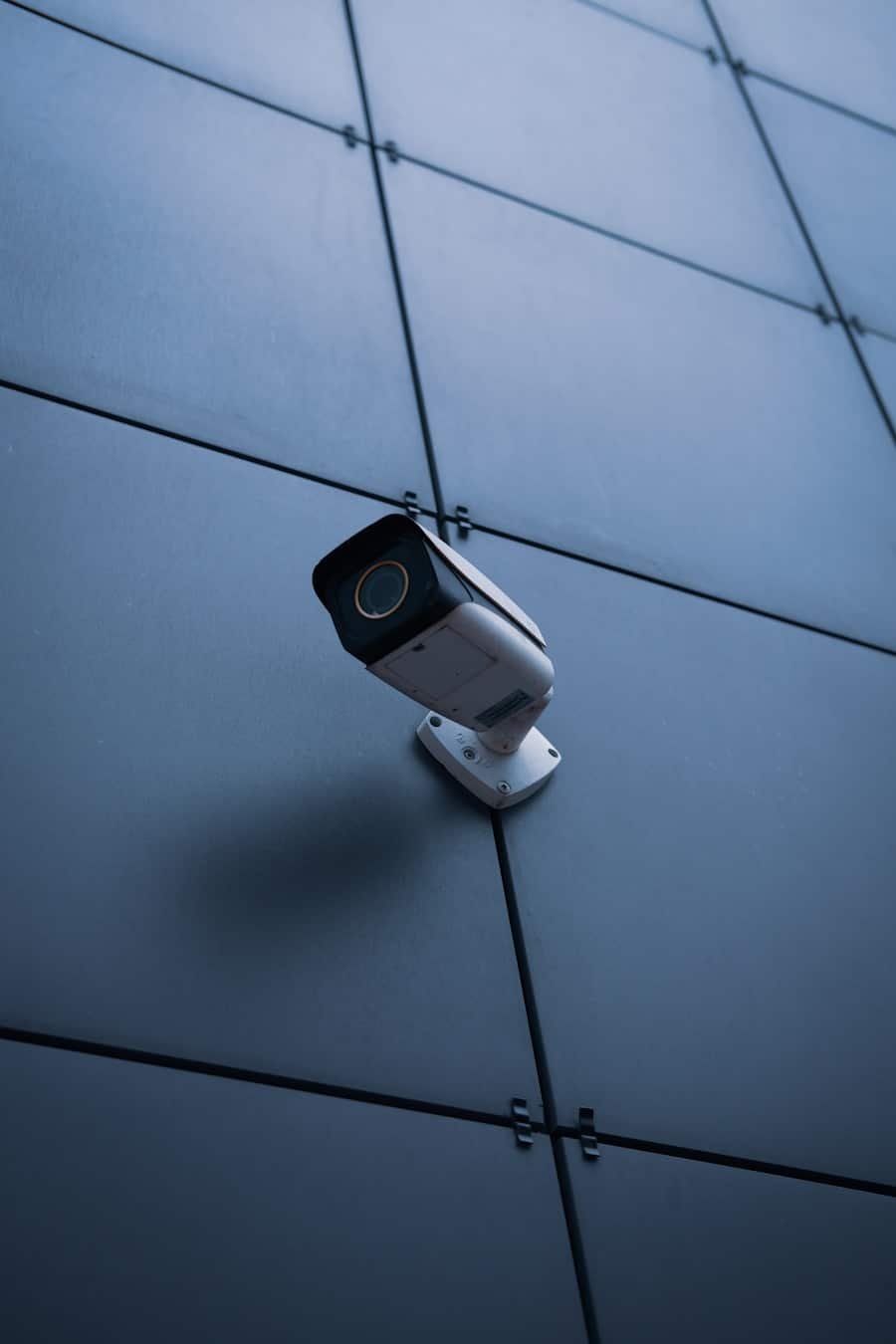
Your security system’s sensors and detectors play a crucial role in its overall effectiveness, so testing them regularly is essential. Start by checking motion detectors to ensure they are functioning correctly. Walk through their coverage areas to see if they detect movement as expected.
If any sensors fail to respond or show inconsistent performance, it may be time to recalibrate or replace them. In addition to motion detectors, you should also test other types of sensors, such as door and window contacts, smoke detectors, and carbon monoxide detectors. Each type of sensor serves a specific purpose in protecting your property and its occupants.
By ensuring that all sensors are operational, you can maintain a comprehensive security strategy that addresses various potential threats.
Consulting with a Professional
While many aspects of maintaining a security system can be handled independently, there are times when consulting with a professional is advisable. If you encounter persistent issues or have concerns about the overall effectiveness of your system, reaching out to an expert can provide valuable insights and solutions. Professionals have the training and experience necessary to identify problems that may not be immediately apparent to you.
Additionally, a professional consultation can help you stay informed about the latest advancements in security technology. As new products and features become available, an expert can guide you in upgrading or enhancing your existing system to better meet your needs. Investing in professional advice not only ensures that your security measures are up-to-date but also gives you confidence in their effectiveness.
Regular Maintenance and Upkeep
Finally, regular maintenance and upkeep are essential for ensuring the longevity and reliability of your security system. Establishing a routine maintenance schedule can help you stay on top of necessary checks and repairs. This may include cleaning cameras and sensors, updating software, and replacing batteries as needed.
By taking these proactive steps, you can prevent minor issues from escalating into major problems. Moreover, consider documenting all maintenance activities for future reference. Keeping a log of inspections, repairs, and upgrades can help you track the performance of your security system over time.
This documentation can also be beneficial if you ever need to file an insurance claim or provide proof of maintenance for any reason. By prioritizing regular upkeep, you can ensure that your security system remains a reliable line of defense against potential threats. In conclusion, maintaining an effective security system requires diligence and attention to detail across various aspects—from visual inspections and testing alarms to consulting professionals and performing regular maintenance.
By following these steps diligently, you can enhance the safety of your property and enjoy peace of mind knowing that you have taken proactive measures to protect what matters most to you.
If you are wondering how to ensure your security device is working properly, you may want to consider reading an article on home security system services in San Francisco, California. This article provides valuable information on maintaining and servicing your security system to ensure it is functioning at its best. You can find more details by visiting this link.
FAQs
What are some common signs that my security device is not functioning properly?
Some common signs that your security device may not be functioning properly include frequent false alarms, a lack of response from the monitoring company, or visible damage to the device itself.
How can I test if my security device is functioning properly?
You can test if your security device is functioning properly by following the manufacturer’s instructions for testing, such as triggering the alarm and ensuring that the monitoring company receives the signal.
What should I do if I suspect my security device is not functioning properly?
If you suspect that your security device is not functioning properly, you should contact the manufacturer or the company that installed the device to schedule a professional inspection and potential repairs.
How often should I check if my security device is functioning properly?
It is recommended to check if your security device is functioning properly at least once a month, and to schedule professional maintenance and inspections at least once a year.
What are some common maintenance tasks for ensuring my security device functions properly?
Common maintenance tasks for ensuring your security device functions properly include checking the power source, cleaning the device and its components, testing the sensors, and updating any software or firmware as needed.