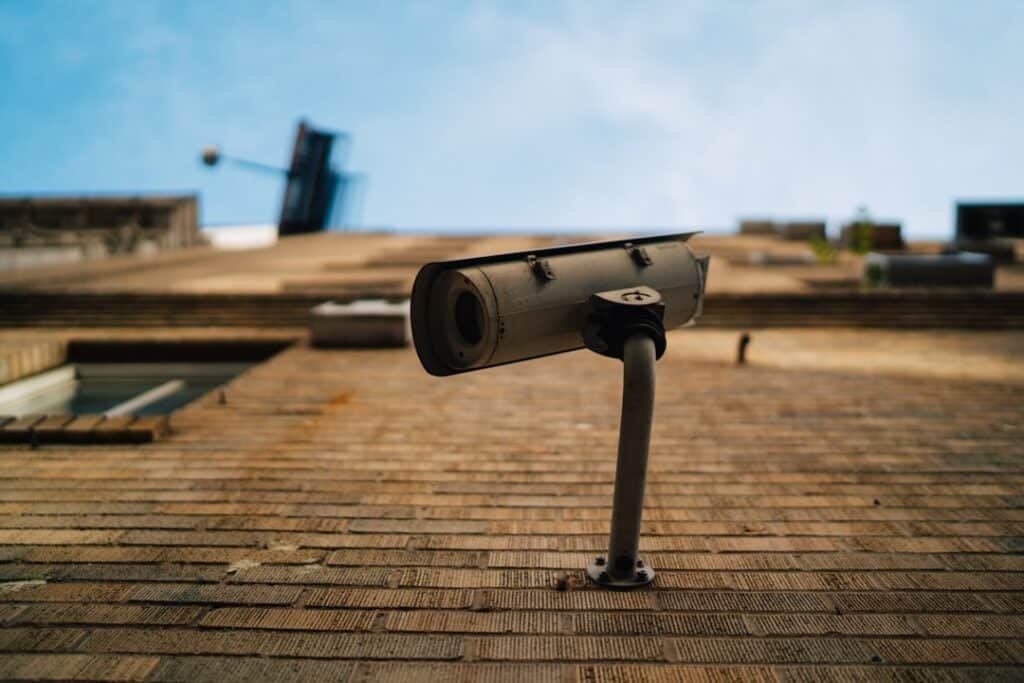
In today’s fast-paced world, the importance of security cannot be overstated. Smart security systems have emerged as a vital component in safeguarding homes and families. These systems integrate advanced technology to provide real-time monitoring, remote access, and customizable features that cater to your specific needs.
With the ability to connect to your smartphone or other devices, you can keep an eye on your property from virtually anywhere, ensuring peace of mind whether you are at home or away. As you consider implementing a smart security system, it’s essential to understand the various components that make up these systems. From surveillance cameras and motion detectors to smart locks and alarm systems, each element plays a crucial role in creating a comprehensive security solution.
The convenience of managing these devices through a single app allows you to streamline your security efforts, making it easier than ever to monitor your home and respond to potential threats. As you delve deeper into the world of smart security, you will discover how these systems can be tailored to fit your lifestyle and enhance the safety of your loved ones.
Key Takeaways
- Smart security systems offer advanced features for protecting homes and families
- Setting up access for family members allows for convenient and secure entry
- Limiting access for certain family members can enhance security and privacy
- Adding and removing family members from the system should be done with caution and care
- Sharing access with extended family members can be managed to ensure security and privacy
Setting Up Access for Family Members
When you invest in a smart security system, one of the first steps is setting up access for your family members. This process is crucial as it allows you to share the responsibility of home security with those who live with you. By granting access to family members, you empower them to monitor the system and respond to alerts, creating a collaborative approach to safety.
Most smart security systems come with user-friendly interfaces that make it easy for you to add family members and customize their access levels. To begin, you will typically need to create individual accounts for each family member. This ensures that everyone has their own unique login credentials, which enhances accountability and security.
You can assign different permissions based on each person’s role within the household. For instance, adults may have full access to all features, while children might only have limited capabilities. This tailored approach not only fosters a sense of responsibility among family members but also helps you maintain control over your home’s security.
Limiting Access for Certain Family Members
While it’s important to provide access to family members, there may be instances where you want to limit access for certain individuals. This could be due to various reasons, such as age, maturity level, or specific responsibilities within the household. By implementing restrictions on access, you can ensure that sensitive areas of your home remain secure while still allowing family members to participate in monitoring the system.
For example, if you have teenagers who are responsible enough to handle some aspects of home security but may not need full access, you can create customized permissions that allow them to view live camera feeds without the ability to change settings or disable alarms. This way, they can stay informed about what’s happening around the house without compromising overall security. By carefully considering who should have access and what level of control they should possess, you can create a balanced environment that prioritizes safety while fostering trust among family members.
Adding and Removing Family Members from the System
As your family dynamics change over time, so too will your smart security system’s user list. Whether it’s welcoming a new family member or needing to remove someone who no longer resides in your home, managing access is a straightforward process that ensures your system remains secure and relevant. Most smart security platforms allow you to easily add or remove users through their mobile app or web interface.
When adding a new family member, you’ll typically need their email address or phone number to send an invitation for them to join the system. Once they accept the invitation, they can set up their account and gain access according to the permissions you’ve assigned. Conversely, if someone moves out or no longer requires access, removing them is just as simple.
By regularly updating your user list, you can maintain a secure environment that reflects your current household situation.
Sharing Access with Extended Family Members
In some cases, you may want to extend access beyond your immediate family. Sharing access with extended family members can be beneficial for various reasons—perhaps a grandparent needs assistance while staying with you, or you want to allow a trusted neighbor to check on your home while you’re away. Smart security systems often provide options for sharing access without compromising your overall security.
When sharing access with extended family members, it’s essential to communicate clearly about their permissions and responsibilities. You can grant them temporary access or set specific time frames during which they can monitor the system. This flexibility allows you to maintain control while still providing support for those who may need it.
By fostering open communication and trust with extended family members regarding security matters, you can create a safer environment for everyone involved.
Managing Access for Children and Teenagers
Managing access for children and teenagers is a critical aspect of utilizing smart security systems effectively. As young individuals grow and mature, their understanding of responsibility and safety evolves as well. It’s essential to strike a balance between granting them some level of independence while ensuring that they remain safe and secure within the home environment.
For younger children, limited access is often the best approach. You might allow them to view certain camera feeds or receive alerts about specific events without giving them control over critical functions like alarm settings or door locks. As they transition into their teenage years, you can gradually increase their access based on their maturity level and demonstrated responsibility.
This gradual approach not only helps them learn about safety but also instills a sense of trust between you and your children as they navigate their growing independence.
Setting Up Customized Access Levels for Family Members
One of the standout features of smart security systems is the ability to set up customized access levels for each family member. This flexibility allows you to tailor permissions based on individual needs and responsibilities within the household. By doing so, you can create an environment where everyone feels empowered while maintaining a high level of security.
For instance, adults may require full access to all features of the system, including the ability to change settings and manage alerts. In contrast, older children might benefit from viewing live feeds but not have the authority to alter alarm settings or unlock doors remotely. By customizing these access levels, you ensure that each family member has the tools they need to contribute positively to home security without overstepping boundaries that could compromise safety.
Ensuring Security and Privacy for All Family Members
As you navigate the complexities of managing a smart security system for your family, it’s crucial to prioritize both security and privacy for all members. While these systems are designed to enhance safety, they also involve sharing sensitive information that must be handled with care. Establishing clear guidelines about how data is used and who has access is essential in maintaining trust among family members.
To ensure privacy, consider discussing with your family how surveillance footage will be used and who will have access to it. Transparency is key; by openly communicating about these matters, you can alleviate concerns and foster a sense of shared responsibility regarding privacy issues. Additionally, regularly reviewing user permissions and ensuring that only necessary individuals have access will help maintain both security and privacy within your household.
In conclusion, smart security systems offer an innovative way to protect your home and loved ones while allowing for flexibility in managing access among family members. By thoughtfully setting up permissions, customizing access levels, and prioritizing privacy concerns, you can create a secure environment that fosters trust and collaboration within your household. As technology continues to evolve, embracing these systems will not only enhance your home’s safety but also empower every member of your family in their role as guardians of that safety.
If you are considering implementing a smart security system in your home, you may also be interested in learning about the importance of securing your garage, which is often a weak point in home security. This