In today’s digital age more and more people are working remotely from home. While this can offer flexibility and convenience it also poses security risks for both individuals and companies. Securing your home office is crucial to protect sensitive information and prevent cyber attacks. Here are some tips to ensure the security of your remote work environment –
1. Secure Your Wi Fi Network
- Set up a strong password for your Wi Fi network to prevent unauthorized access.
- Use WPA2 encryption for better security.
- Change the default SSID (Service Set Identifier) so it is not easily identifiable.
2. Use a Virtual Private Network (VPN)
A VPN encrypts your internet connection making it more secure and private. It helps protect your data from hackers and cyber threats when working remotely. Choose a reputable VPN provider and always turn it on when using public Wi Fi networks.
3. Keep Your Software Updated
Regularly update your operating system antivirus software and other applications to patch vulnerabilities and protect against malware and cyber attacks. Enable automatic updates for added convenience.
4. Secure Your Devices
- Set up strong passcodes or biometric authentication on your devices to prevent unauthorized access.
- Enable remote wiping capabilities in case your device is lost or stolen.
- Encrypt your devices to protect sensitive information stored on them.
5. Use Secure Communication Tools
Choose secure communication tools like encrypted email services messaging apps and video conferencing platforms to protect your conversations and data exchanges. Avoid using public chatrooms or unsecured platforms.
6. Implement Two Factor Authentication
Enable two factor authentication for your accounts to add an extra layer of security. This requires a second form of verification such as a code sent to your phone in addition to your password.
7. Protect Physical Documents
- Store physical documents containing sensitive information in a locked drawer or cabinet.
- Shred documents when no longer needed to prevent identity theft.
- Consider investing in a shredder for added security.
8. Secure Your Home Office Environment
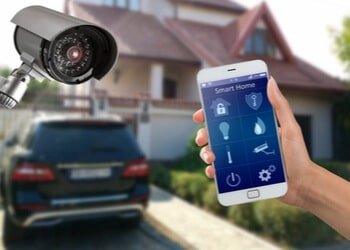
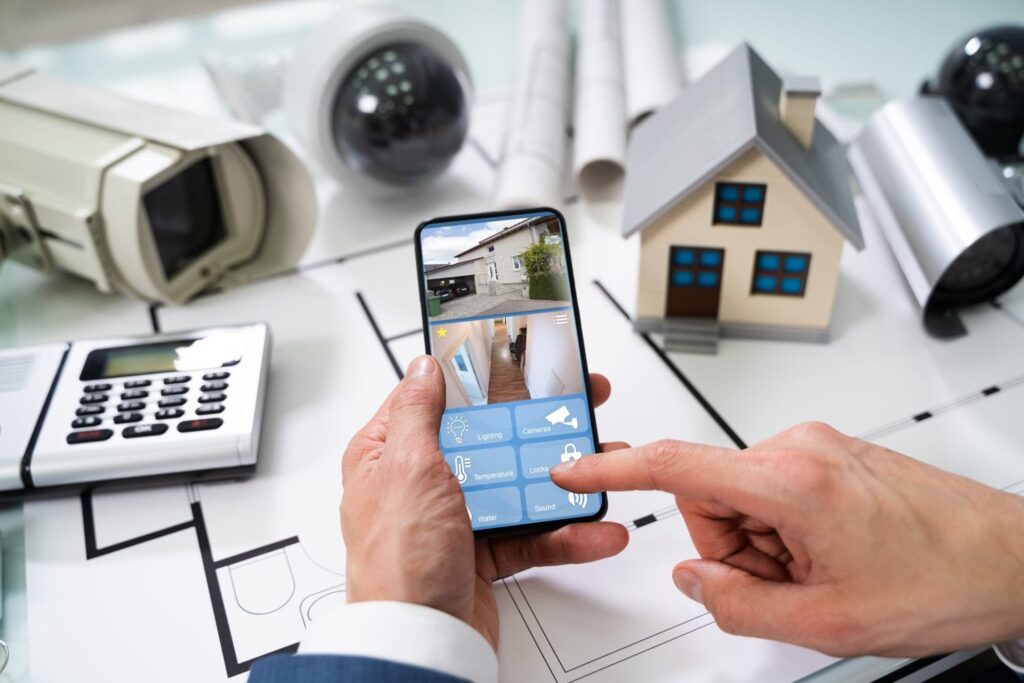
- Install a security system with cameras and alarms to deter intruders.
- Use blinds or curtains to prevent outsiders from peeking into your workspace.
- Lock your doors and windows when not in use to prevent unauthorized access.
By following these tips you can enhance the security of your home office and protect yourself and your company from cyber threats. Stay vigilant and proactive in safeguarding your remote work environment to ensure a safe and secure work from home experience.
Related Topics About Securing Your Home Office: Tips for Remote Workers
How Employers Monitor Employees Working Remotely,
How To Secure Your Home Network,
Monitoring Employees Working From Home,
Secure Your Remote Workplace Trailhead,
Security Tips For Working Remotely