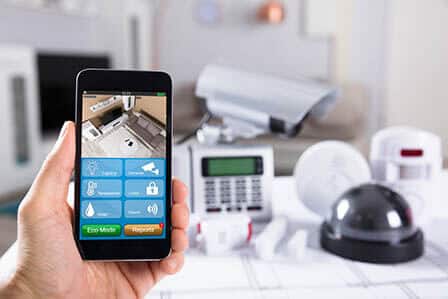
If you want to ensure the safety and security of your home, maintaining your home security system is crucial. In this article, you will discover some essential tips that will help you keep your home security system in top-notch condition. From regularly testing the system to updating it with the latest technology, these tips will help give you peace of mind knowing that your home is well-protected. So, let’s get started and learn how to maintain and maximize the effectiveness of your home security system.
Essential Tips for Maintaining Your Home Security System
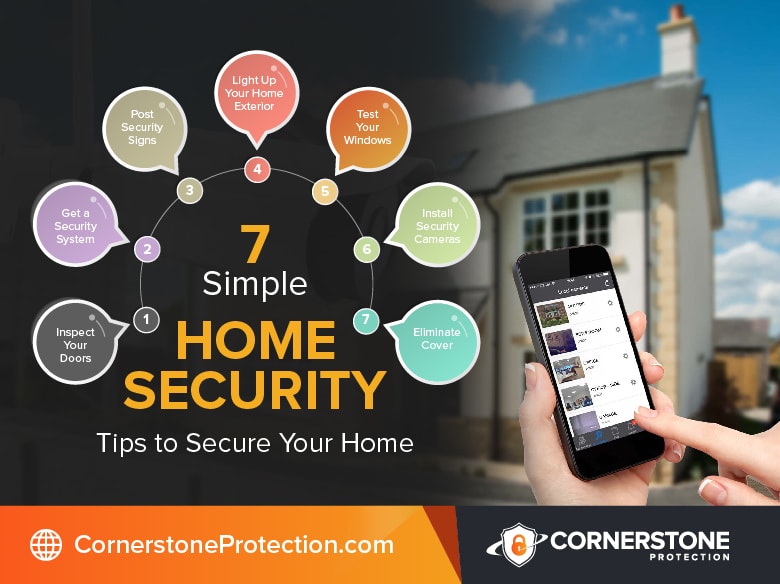
A home security system is a valuable investment that helps protect your property and gives you peace of mind. However, simply installing a security system is not enough. To ensure its effectiveness, it is essential to regularly test, update, and maintain your security system. In this article, we will provide you with comprehensive tips on how to properly maintain your home security system.
1. Regularly Test Your Security System
1.1. Test the Alarm Siren
Regularly testing the alarm siren is crucial to ensure that it is functioning correctly. Start by activating the alarm system using the designated code or remote control. Stand near the siren and listen carefully for any abnormalities or malfunctions. If you notice any issues, such as a weak sound, distortion, or inconsistent noise, contact a professional technician to inspect and fix the problem promptly.
1.2. Check the Notification Alerts
Modern security systems offer various notification features, such as text messages or emails, to keep you updated on any unusual activity. It is important to test these notification alerts regularly to ensure they are working properly. Trigger the alarm system and verify that you receive the intended notifications on your preferred devices. If there are any inconsistencies or if you do not receive the alerts, consult the user manual or contact the security system provider for assistance.
1.3. Ensure Sensors Are Working Properly
Sensors play a crucial role in detecting intrusions and triggering the alarm system. Regularly checking the functionality of these sensors is vital for the overall effectiveness of your home security system. Start by testing each sensor individually. Open doors and windows equipped with sensors and ensure that the alarm is activated. If the alarm does not go off or if there is a delay in the response, it is recommended to have the sensors inspected by a professional technician.
2. Update and Upgrade Your Security System
2.1. Install the Latest Firmware Updates
Manufacturers frequently release firmware updates to address security vulnerabilities and improve the performance of their security systems. It is important to keep your system up to date by regularly installing the latest firmware updates. Check the user manual or the manufacturer’s website for instructions on how to perform these updates. By doing so, you can enhance the security features and ensure optimal functionality of your home security system.
2.2. Consider Adding New Security Features
Technology is constantly evolving, and so are security threats. To keep your home security system robust and effective, consider adding new security features as they become available. For example, you may want to invest in additional surveillance cameras, motion sensors, or smart locks. These new features can provide enhanced protection and improve the overall security of your home.
2.3. Upgrade Outdated Equipment
Over time, security equipment may become outdated and less effective in deterring potential threats. Regularly assess your security system and identify any outdated equipment that should be upgraded. Consult with a professional security provider to determine the best options for replacing outdated components. Upgrading your system will ensure that you are utilizing the latest technology and maximizing your home’s security capabilities.
3. Secure Internet Connection and Devices
3.1. Change Default Passwords and Usernames
When setting up your home security system, it is important to change the default passwords and usernames provided by the manufacturer. Default credentials are easily accessible to hackers and increase the risk of unauthorized access to your system. Choose strong and unique passwords that include a combination of letters, numbers, and special characters. Changing your passwords regularly is also recommended to maintain a secure internet connection.
3.2. Use Strong and Unique Passwords
Aside from changing default credentials, it is essential to use strong and unique passwords for all devices connected to your home security system. Avoid using easily guessable passwords such as names, birthdates, or consecutive numbers. Instead, opt for complex passwords that are difficult for others to crack. Consider using a password manager to securely store all your passwords and ensure quick and convenient access to them.
3.3. Enable Two-Factor Authentication
Two-factor authentication adds an extra layer of security to your home security system. By enabling this feature, you will need to provide two forms of identification when accessing your system or making changes to its settings. This typically involves entering a password and then confirming your identity through a secondary method, such as fingerprint recognition or a unique verification code sent to your mobile device. Two-factor authentication significantly reduces the risk of unauthorized access to your system.
4. Maintain and Clean Security Cameras
4.1. Clean Camera Lenses Regularly
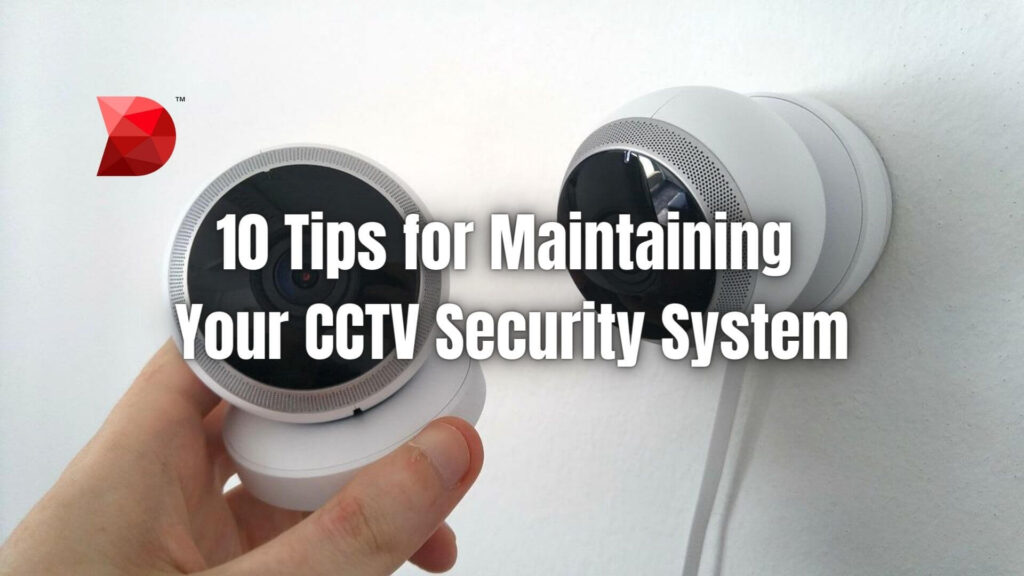
Security cameras can accumulate dust, dirt, or even spider webs, which can degrade the quality of the video feed. To ensure clear and uninterrupted surveillance, it is important to clean the camera lenses regularly. Use a soft, lint-free cloth to gently wipe away any dirt or smudges. Be cautious not to scratch the lenses or interfere with the positioning of the cameras while cleaning.
4.2. Ensure Proper Placement and Angles
Proper placement of security cameras is essential for effective surveillance. Regularly inspect the positioning and angles of your cameras to ensure they cover the desired areas. Consider adjusting camera angles to eliminate blind spots and maximize visibility. If necessary, consult with a professional technician to help determine the optimal camera placement based on your specific security needs.
4.3. Remove Obstructions or Blockages
Ensure that there are no obstructions or blockages in front of the security cameras that might hinder their view or performance. Trim any overgrown vegetation, such as branches or shrubs, that obstruct the camera’s field of vision. Regularly inspect the camera’s surroundings and remove any physical obstacles that may compromise its effectiveness. By doing so, you will maintain a clear view of your property and increase the overall security coverage.
5. Keep Your Security System Fully Powered
5.1. Replace Batteries Regularly
If your security system relies on battery-powered components, it is essential to replace the batteries regularly. Low batteries can cause malfunctions or prevent the system from operating as intended. Refer to the user manual or contact the security system provider for guidance on the recommended battery replacement intervals. By keeping the batteries fresh, you ensure that your security system is always ready to respond to potential threats.
5.2. Have Backup Power Options
Power outages can render your home security system temporarily ineffective. It is advisable to have backup power options to ensure uninterrupted security coverage. Consider investing in a backup power supply, such as a generator or an uninterruptible power supply (UPS). These backup options can provide temporary power to your security system during outages, keeping it operational when you need it the most.
5.3. Check and Maintain Power Connections
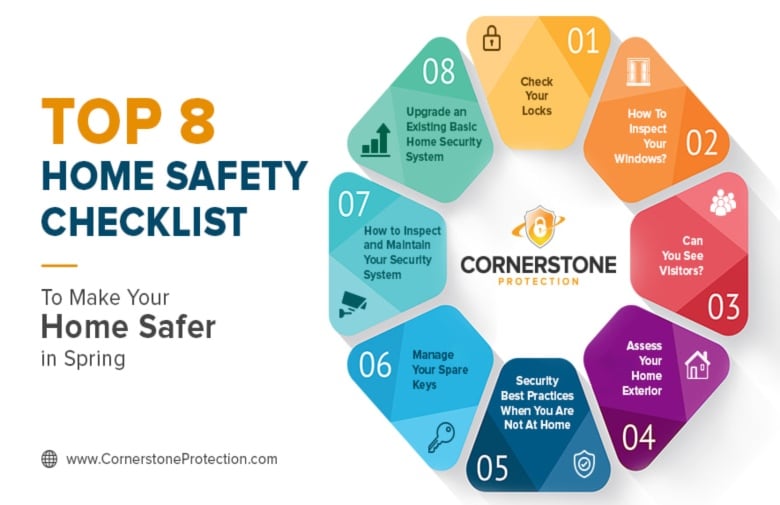
Regularly inspect the power connections of your security system to ensure they are secure and free from damage. Loose or damaged power connections can result in intermittent system failures or complete shutdowns. Carefully examine power cables, plugs, and outlets for any signs of wear or fraying. Replace any damaged cables or connectors promptly. By maintaining proper power connections, you can prevent unnecessary system downtime and potential security risks.
6. Monitor and Review System Activity
6.1. Review Security Logs and Reports
Take the time to review the security logs and reports generated by your home security system. These logs provide valuable information about system activity, including any detections or alerts triggered. Regularly monitoring these logs allows you to identify any patterns or potential vulnerabilities that may require attention. Stay informed about what is happening with your security system to ensure it is performing optimally.
6.2. Enable Remote Monitoring
Most modern security systems offer remote monitoring capabilities, allowing you to access and control your system from anywhere using a smartphone or computer. Enable remote monitoring to stay connected to your security system even when you are away. This feature gives you the ability to check camera feeds, receive real-time notifications, and arm or disarm the system remotely. Remote monitoring ensures that you are always aware of your home’s security status, no matter where you are.
6.3. Set Up Customizable Alerts
Customizable alerts allow you to tailor your home security system to your specific needs and preferences. Configure your system to send alerts for specific events, such as a door opening or motion detected in a specific area. By setting up these customizable alerts, you can receive prompt notifications for activities that require your attention. This helps you stay proactive and responsive to potential security threats.
7. Educate Yourself and Family Members
7.1. Train Everyone on System Usage
It is crucial to educate yourself and all family members on how to properly use and interact with your home security system. Organize training sessions to familiarize everyone with the system’s features, including arming and disarming the alarm, controlling cameras, and understanding the basic troubleshooting steps. Emphasize the importance of following security protocols to ensure that the system functions as intended and false alarms are minimized.
7.2. Teach Children About Security Measures
Teaching children about security measures is essential in creating a safe environment. Train them on how to operate the alarm system and emphasize the importance of not sharing security codes or other sensitive information with strangers. Teach them to recognize and respond appropriately to potential security threats. By involving children in discussions about home security, you instill a sense of responsibility and empower them to take an active role in maintaining a secure home.
Regularly share security tips and best practices with all household members. Create a culture of security awareness by discussing topics such as locking doors and windows, activating the security system when leaving the house, and being cautious about sharing personal information online. By fostering an environment where security is prioritized, you create a safer and more secure home for everyone.
8. Secure Entry Points and Windows
8.1. Reinforce Doors and Windows
Entry points, such as doors and windows, are common targets for potential intruders. Enhance the security of these entry points by reinforcing them. Install solid doors made from sturdy materials and consider adding reinforcement plates or door jammers. Strengthen windows with impact-resistant glass or install window locks and sensors. Reinforcing entry points makes it more challenging for intruders to gain unauthorized access to your home.
8.2. Install Security Bars or Grilles
Installing security bars or grilles on windows and patio doors adds an additional layer of physical protection. These visual deterrents make it difficult for intruders to gain entry and discourage them from attempting a break-in. Consult with a professional to ensure that the security bars or grilles are properly installed and do not violate any local safety regulations.
8.3. Use Deadbolt Locks
Deadbolt locks are a widely recommended security measure for securing doors. Install deadbolt locks on all exterior doors, including side and back entrances. Choose high-quality deadbolt locks that have at least a one-inch throw and are difficult to pick or force open. Regularly inspect and maintain these locks to ensure their proper functioning. Deadbolt locks significantly increase the level of resistance against unauthorized entry.
9. Install Adequate Outdoor Lighting
9.1. Use Motion Sensor Lights
Motion sensor lights are an effective deterrent against potential intruders. Install these lights in strategic locations around your property, such as near entrances, garages, or dark areas. Motion sensor lights automatically turn on when they detect movement, drawing attention to any suspicious activity. Ensure that the lights are properly calibrated and adjusted to avoid false activations from small animals or passing vehicles.
9.2. Illuminate Entryways and Pathways
Well-lit entryways and pathways provide a sense of safety and discourage burglars from approaching your home. Install sufficient lighting near all entry points and along pathways to ensure clear visibility. Consider using energy-efficient LED lights to reduce electricity costs and ensure long-lasting illumination. Regularly inspect and replace bulbs as needed to maintain optimal lighting conditions.
9.3. Consider Timers for Indoor Lights
When you are away from home, leaving indoor lights turned on can create the illusion of occupancy, deterring potential intruders. Instead of keeping lights on all the time, consider using timers to automatically turn them on and off at set intervals. This simulates the appearance of someone being home and helps maintain a secure atmosphere. Timers can be easily programmed to match your daily routine.
10. Regularly Inspect and Maintain Your System
10.1. Schedule Professional Maintenance
Regular professional maintenance is essential for the longevity and effectiveness of your home security system. Consider scheduling annual or bi-annual inspections with a knowledgeable technician. During these inspections, the technician will thoroughly check all components, perform necessary updates, and address any potential issues. Professional maintenance ensures that your system operates optimally and provides reliable security for your home.
10.2. Test Backup Systems Regularly
If your home security system includes backup systems, such as battery backups or generators, it is crucial to test them regularly. Perform periodic tests to ensure that the backup systems kick in when needed and provide the necessary power supply during outages. Follow the manufacturer’s guidelines on how to perform these tests effectively and safely. Testing backup systems gives you the confidence that your security system will continue to function, even during unforeseen circumstances.
10.3. Replace Faulty Components
Over time, components of your home security system may develop faults or experience wear and tear. It is important to replace faulty components promptly to maintain the overall effectiveness of your system. If you notice any malfunctions, such as unresponsive sensors, malfunctioning cameras, or faulty control panels, contact a professional technician for diagnosis and replacement. Keeping your system in excellent condition is crucial for ensuring the security of your home.
By following these essential tips for maintaining your home security system, you can ensure that your property remains protected and provide a secure environment for you and your family. Regular testing, updates, and maintenance will enhance the functionality and reliability of your system, providing peace of mind knowing that your home is safeguarded against potential threats. Remember, a well-maintained security system is your first line of defense in protecting what matters most to you.