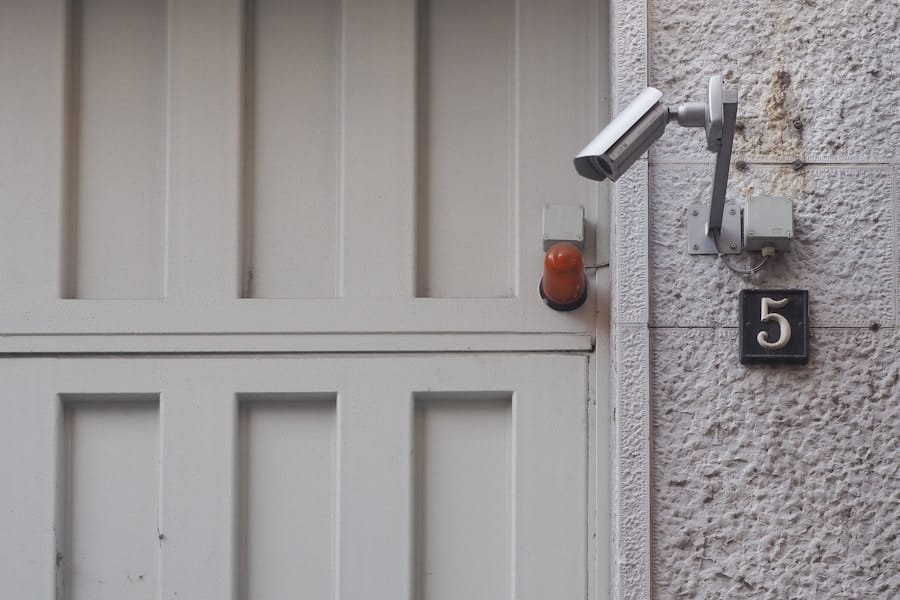
You may have noticed that your smart home devices sometimes exhibit peculiar behaviors that leave you scratching your head. Perhaps your lights flicker unexpectedly, or your thermostat adjusts itself to an unusual temperature without any input from you. These strange occurrences can be disconcerting, especially when you rely on technology to create a comfortable and secure living environment.
It’s not uncommon for users to feel a sense of unease when their devices act out of character, leading to questions about their reliability and functionality. The root of this strange behavior often lies in software glitches or misconfigurations. For instance, a recent update to your smart home system might have introduced bugs that affect how devices communicate with one another.
Alternatively, interference from other electronic devices in your home could disrupt signals, causing your smart gadgets to behave erratically. Understanding these potential causes can help you troubleshoot the issues and restore harmony to your smart home ecosystem. By keeping your devices updated and ensuring they are properly configured, you can minimize the chances of encountering these oddities.
Key Takeaways
- Strange behavior in a smart home system could indicate a potential issue with the sensors or the overall system functionality.
- False alarms in a smart home system may be caused by sensor malfunctions or connectivity problems, and should be investigated promptly.
- Power issues such as frequent outages or fluctuations can disrupt the functionality of a smart home system and should be addressed to prevent further problems.
- Connectivity problems in a smart home system can lead to inconsistent performance and should be resolved to ensure the system functions properly.
- Sensor failures in a smart home system can lead to inaccurate data and unreliable automation, requiring immediate attention to maintain system functionality.
- System errors in a smart home system may indicate underlying issues with the hardware or software, and should be addressed to prevent further complications.
- Unresponsive controls in a smart home system can be a sign of connectivity problems or system malfunctions, and should be investigated to restore functionality.
- Inconsistent notifications from a smart home system may indicate issues with the sensors or connectivity, and should be addressed to ensure reliable performance.
False Alarms
The Consequences of False Alarms
You may find yourself questioning the reliability of your security measures, which can be particularly concerning if you live in an area where safety is a priority.
Tuning Your System for Accuracy
To mitigate false alarms, it’s essential to fine-tune your system settings. Many smart security systems allow you to adjust sensitivity levels for motion detection or set specific zones that are monitored more closely than others. By customizing these parameters, you can reduce the likelihood of unnecessary alerts while still maintaining a robust security presence.
Maintenance and Updates for Optimal Security
Additionally, regular maintenance and updates can help ensure that your system is functioning optimally, further decreasing the chances of false alarms disrupting your peace of mind.
Power Issues
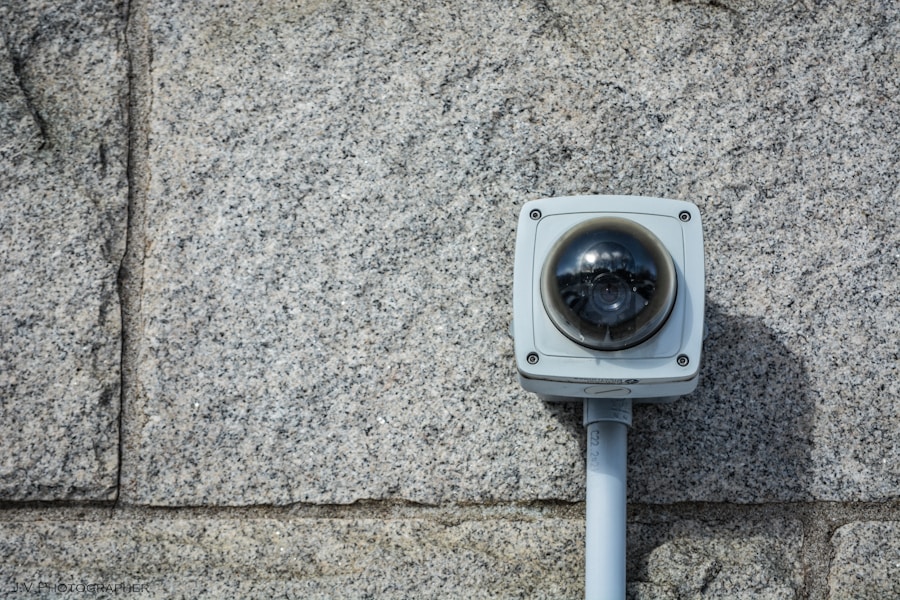
Power issues can wreak havoc on your smart home devices, leading to unexpected shutdowns or erratic behavior. You might find that your smart lights flicker or fail to turn on altogether, leaving you in the dark—literally and figuratively. These problems can stem from various sources, including power surges, outages, or even faulty wiring in your home.
When you rely on technology for everyday tasks, power stability becomes crucial for maintaining a seamless experience. To address power issues, consider investing in surge protectors or uninterruptible power supplies (UPS) for your critical devices. These tools can help safeguard against sudden fluctuations in power that could damage your equipment or disrupt their functionality.
Additionally, regularly checking the condition of your electrical outlets and ensuring they are not overloaded can prevent potential problems before they arise. By taking proactive measures, you can create a more reliable environment for your smart home devices.
Connectivity Problems
Connectivity problems can be particularly vexing when it comes to smart home technology. You may find that your devices frequently disconnect from the Wi-Fi network or struggle to communicate with one another, leading to frustration and inefficiency. These issues can stem from various factors, including weak Wi-Fi signals, network congestion, or even outdated firmware on your devices.
When connectivity falters, it can feel as though your entire smart home system is on the verge of collapse. To improve connectivity, start by assessing the layout of your home and the placement of your Wi-Fi router. If your router is located far from certain devices, consider moving it to a more central location or investing in Wi-Fi extenders to boost signal strength throughout your space.
Additionally, regularly updating the firmware on your devices can enhance their performance and compatibility with your network. By taking these steps, you can create a more stable and reliable connection for all your smart home gadgets.
Sensor Failures
Sensor failures are another common issue that can disrupt the functionality of your smart home devices. You might find that motion sensors fail to detect movement or that temperature sensors provide inaccurate readings, leading to discomfort or security concerns. These failures can occur due to various reasons, such as dirt or obstructions blocking the sensors or software glitches affecting their performance.
When sensors don’t work as intended, it can undermine the very purpose of having a smart home system. To combat sensor failures, regular maintenance is key. Make it a habit to clean sensors periodically and ensure they are free from dust or debris that could hinder their operation.
Additionally, check for any obstructions in their line of sight that could affect their ability to detect movement accurately. If you continue to experience issues despite these efforts, it may be time to consult the manufacturer’s guidelines or seek professional assistance to diagnose and resolve the problem effectively.
System Errors
Causes of System Errors
These errors can arise from various sources, including software bugs, compatibility issues between devices, or even network problems that hinder communication between components.
Troubleshooting Steps
To address system errors effectively, start by rebooting your devices and checking for any available updates. Often, manufacturers release patches and updates designed to fix known issues and improve overall performance. If problems persist, consult online forums or customer support for troubleshooting tips specific to your device model.
Maintaining a Smooth Smart Home Experience
By staying informed and proactive about system maintenance, you can minimize disruptions and keep your smart home running smoothly.
Unresponsive Controls
Unresponsive controls can be one of the most exasperating experiences when managing a smart home system. You might find yourself tapping on an app or voice command multiple times before a device responds—or worse yet, it may not respond at all. This lack of responsiveness can stem from various factors, including network issues, software glitches, or even hardware malfunctions within the device itself.
When controls fail to work as expected, it can lead to frustration and a sense of helplessness. To troubleshoot unresponsive controls, start by checking your internet connection and ensuring that all devices are connected properly to the network. If everything appears in order but issues persist, try restarting both the app and the device in question.
Sometimes a simple reboot can resolve temporary glitches that cause unresponsiveness. If problems continue after these steps, consider reaching out to customer support for further assistance or exploring online resources for potential solutions tailored to your specific situation.
Inconsistent Notifications
Inconsistent notifications can create confusion and anxiety when managing your smart home system. You may receive alerts about events that occurred hours ago or miss critical notifications altogether due to delays in communication between devices. This inconsistency can undermine the effectiveness of your security measures or lead to missed opportunities for timely responses to important events in your home.
To improve notification consistency, review the settings within your smart home app and ensure that notifications are enabled for all relevant devices and events. Additionally, check for any updates that may address known issues with notification delivery. If you continue to experience inconsistencies despite these efforts, consider adjusting notification preferences to prioritize certain alerts over others based on their importance.
By taking these steps, you can enhance the reliability of notifications and regain confidence in your smart home system’s ability to keep you informed and secure. In conclusion, navigating the complexities of smart home technology requires patience and diligence. From strange behaviors and false alarms to connectivity problems and inconsistent notifications, understanding these challenges is essential for creating a seamless experience in your connected living space.
By staying proactive in troubleshooting issues and maintaining your devices regularly, you can enjoy the benefits of a well-functioning smart home while minimizing disruptions along the way.
If you are concerned about the functionality of your home security device, you may want to consider contacting a professional service provider like Our Secure Home in Denver, Colorado. They can help diagnose any issues and ensure your system is working properly to keep your home safe. Additionally, installing a home security system can offer numerous benefits, as outlined in this article.
FAQs
What are common signs that a home security device is malfunctioning?
Some common signs that a home security device is malfunctioning include false alarms, unresponsive controls, low battery warnings, and inconsistent performance.
How can I troubleshoot a malfunctioning home security device?
To troubleshoot a malfunctioning home security device, you can start by checking the power source, replacing the batteries, ensuring the device is properly connected, and consulting the user manual for troubleshooting tips.
When should I seek professional help for a malfunctioning home security device?
You should seek professional help for a malfunctioning home security device if you are unable to resolve the issue through basic troubleshooting, if the device is still under warranty, or if the malfunction poses a significant security risk.
What are the potential risks of a malfunctioning home security device?
The potential risks of a malfunctioning home security device include leaving your home vulnerable to break-ins, failing to receive timely alerts in case of emergencies, and experiencing unnecessary stress and anxiety due to false alarms.