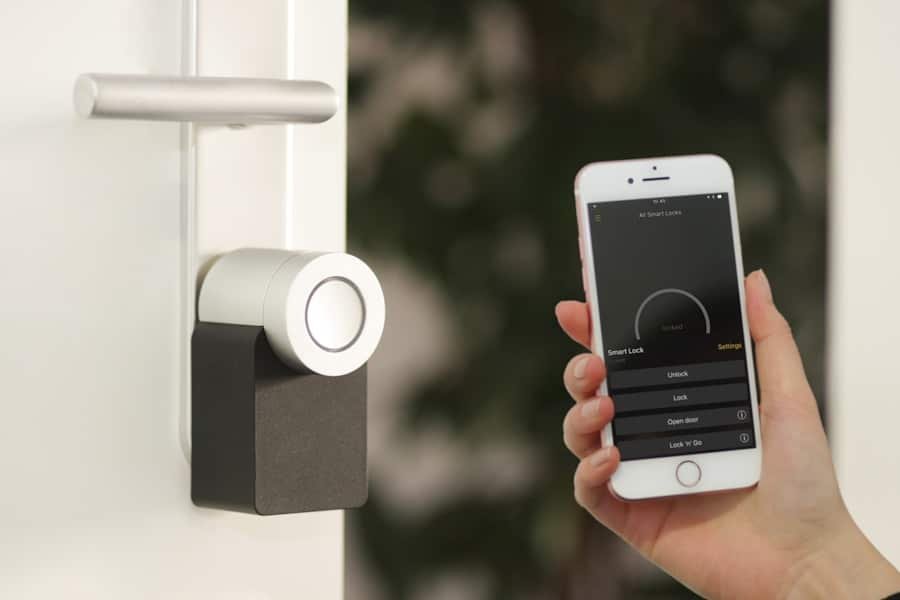
As you embark on your journey into the world of smart home technology, the first step is to familiarize yourself with your smart home hub. This central device acts as the brain of your smart home ecosystem, allowing various devices to communicate with one another. Whether you have a dedicated hub like Samsung SmartThings or are using a voice assistant like Amazon Alexa or Google Assistant, understanding its capabilities is crucial.
You’ll want to explore the features it offers, such as automation, remote access, and compatibility with various devices. This knowledge will empower you to make informed decisions about how to expand your smart home setup. Moreover, it’s essential to recognize the role of your hub in enhancing your daily life.
Imagine controlling your lights, thermostat, and security system all from a single app or voice command. This level of convenience can significantly streamline your routines and improve your overall quality of life. As you delve deeper into the functionalities of your hub, consider how it can be tailored to meet your specific needs.
Whether you prioritize energy efficiency, security, or entertainment, understanding your hub will help you create a cohesive and efficient smart home environment.
Key Takeaways
- Understanding Your Smart Home Hub:
- Identify the features and capabilities of your smart home hub.
- Familiarize yourself with the user interface and settings.
- Assessing Your Home Security System:
- Evaluate the current state of your home security system.
- Determine if any upgrades or additions are needed for optimal security.
- Checking for Compatibility:
- Ensure that your smart home hub is compatible with your existing devices and systems.
- Verify compatibility with different communication protocols such as Wi-Fi, Zigbee, or Z-Wave.
- Researching Integration Options:
- Explore the various integration options available for your smart home hub.
- Consider the potential benefits and limitations of integrating different devices and systems.
- Consulting with the Manufacturer:
- Reach out to the manufacturer for guidance and support.
- Seek assistance with any questions or concerns about integrating your smart home hub.
- Testing the Connection:
- Test the connection between your smart home hub and your devices.
- Verify that all devices are properly connected and functioning as expected.
- Troubleshooting Issues:
- Address any connectivity or compatibility issues that arise.
- Troubleshoot any technical problems with the help of manufacturer support or online resources.
- Upgrading for Seamless Integration:
- Consider upgrading your devices or systems for seamless integration with your smart home hub.
- Stay informed about new technologies and updates that could enhance integration.
Assessing Your Home Security System
Next, you should take a close look at your existing home security system. Security is often a top priority for homeowners, and integrating smart technology can enhance your safety measures significantly. Begin by evaluating the components of your current system—do you have cameras, motion detectors, or smart locks?
Understanding what you already have will help you identify gaps that smart technology can fill. For instance, if you currently rely on traditional locks, upgrading to smart locks can provide you with remote access and monitoring capabilities. In addition to assessing the physical components of your security system, consider how well they work together.
A disjointed system can lead to vulnerabilities and inefficiencies. By integrating smart devices, you can create a more cohesive security network that communicates seamlessly. For example, when your smart doorbell detects motion, it can trigger your security cameras to start recording.
This interconnectedness not only enhances security but also provides you with peace of mind knowing that your home is being monitored effectively.
Checking for Compatibility
Once you have a clear understanding of your smart home hub and security system, the next step is to check for compatibility between devices. Not all smart devices are created equal; some may not work well with your chosen hub or may require additional configurations. To avoid frustration down the line, take the time to research which devices are compatible with your hub.
Most manufacturers provide lists of compatible products on their websites, making it easier for you to make informed purchasing decisions. Additionally, consider the communication protocols used by your devices. Many smart devices operate on Wi-Fi, Zigbee, or Z-Wave protocols.
Understanding these differences will help you ensure that all components of your smart home can communicate effectively. If you find that certain devices are not compatible with your hub, look for alternatives that offer similar functionalities but are designed to work seamlessly within your existing ecosystem. This proactive approach will save you time and effort in the long run.
Researching Integration Options
With compatibility checked off your list, it’s time to explore integration options for your smart home devices. Integration allows different devices to work together harmoniously, creating a more efficient and user-friendly experience. Start by investigating whether your hub supports third-party integrations or if it has its own ecosystem of devices that work best together.
Many hubs offer integration with popular platforms like IFTTT (If This Then That), which can help automate tasks across different devices. As you research integration options, think about how you want your devices to interact with one another. For instance, you might want your smart thermostat to adjust the temperature when your security system is armed or for your lights to turn on automatically when you arrive home.
By mapping out these scenarios, you can better understand which integrations will enhance your daily life and streamline your routines. The more thought you put into this process now, the more seamless and enjoyable your smart home experience will be.
Consulting with the Manufacturer
When in doubt about compatibility or integration options, don’t hesitate to consult with the manufacturer of your smart home hub or devices. Most manufacturers have customer support teams that can provide valuable insights and assistance. They can help clarify any questions you may have about specific features or compatibility issues that arise during setup.
Additionally, many manufacturers offer online resources such as FAQs, user manuals, and community forums where you can find answers to common questions. Engaging with the manufacturer not only helps you troubleshoot potential issues but also keeps you informed about software updates and new features that may enhance your smart home experience. Staying connected with the manufacturer ensures that you’re making the most out of your investment and allows you to take advantage of any advancements in technology that could benefit your setup.
Testing the Connection
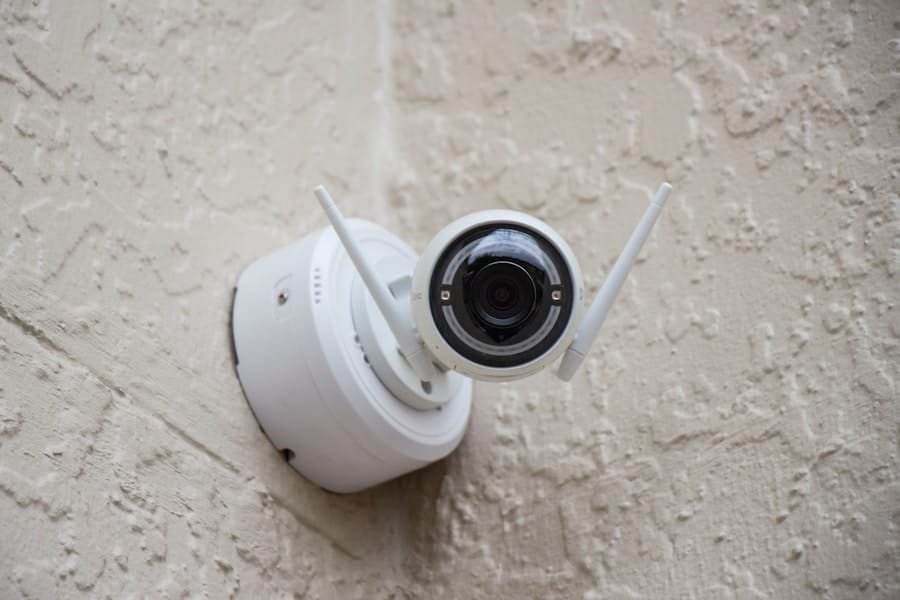
After ensuring compatibility and researching integration options, it’s time to put everything to the test. Begin by setting up each device according to the manufacturer’s instructions and connecting them to your smart home hub. Once everything is connected, take a moment to test each device individually to ensure they are functioning as expected.
For example, check if your smart lights respond promptly to voice commands or if your security cameras stream video correctly. Testing the connection is crucial for identifying any potential issues early on. If something isn’t working as it should, it’s better to address it now rather than later when you’re relying on these devices for daily tasks or security purposes.
Take notes on any discrepancies or malfunctions so that you can troubleshoot them effectively or seek assistance from customer support if needed.
Troubleshooting Issues
Inevitably, as with any technology setup, you may encounter some issues along the way. Troubleshooting is an essential skill in managing a smart home effectively. Start by identifying the specific problem—whether it’s a device not responding or connectivity issues between devices—and consult the troubleshooting guides provided by manufacturers.
These guides often contain step-by-step instructions for resolving common problems. If basic troubleshooting doesn’t resolve the issue, consider reaching out to online communities or forums dedicated to smart home technology. Many enthusiasts share their experiences and solutions to similar problems, which can provide valuable insights.
Remember that patience is key during this process; technology can be finicky at times, but with persistence and resourcefulness, most issues can be resolved.
Upgrading for Seamless Integration
Finally, as technology continues to evolve, consider upgrading certain components of your smart home setup for even better integration and performance. Newer devices often come equipped with enhanced features and improved compatibility with existing systems. For instance, if you’ve been using an older model of a smart thermostat or security camera, upgrading to a newer version may provide better connectivity and additional functionalities that enhance your overall experience.
When contemplating upgrades, assess whether they align with your specific needs and goals for your smart home ecosystem. Investing in high-quality devices that offer seamless integration can save you time and frustration in the long run while providing a more enjoyable living environment. As you continue to explore advancements in smart home technology, remain open to new possibilities that can further enhance the convenience and efficiency of your daily life.
In conclusion, navigating the world of smart home technology requires careful consideration and planning. By understanding your hub, assessing your security system, checking compatibility, researching integration options, consulting manufacturers, testing connections, troubleshooting issues, and considering upgrades, you can create a cohesive and efficient smart home environment tailored to your needs. Embrace this journey with curiosity and enthusiasm as you transform your living space into a modern marvel of convenience and connectivity.
If you are looking to ensure your home is fully protected, you may want to check out the article The Ultimate Home Protection Checklist. This comprehensive guide offers tips and advice on how to safeguard your home from potential threats. It covers everything from securing your doors and windows to installing a reliable home security system. By following this checklist, you can create a safe and secure environment for you and your family.
FAQs
What is a smart home hub?
A smart home hub is a central device that connects and controls various smart home devices and systems, such as lights, thermostats, and security systems, using a single interface.
What is a home security system?
A home security system is a network of devices, such as cameras, sensors, and alarms, designed to protect a home from intruders and other potential threats.
How can I determine if my home security system is compatible with my smart home hub?
To determine compatibility, you should check the specifications and compatibility lists provided by the manufacturers of your home security system and smart home hub. Additionally, you can reach out to the customer support teams of both devices for further assistance.
What are some common smart home hubs on the market?
Common smart home hubs include Amazon Echo (Alexa), Google Home, Apple HomeKit, Samsung SmartThings, and Hubitat Elevation.
What are some common home security systems on the market?
Common home security systems include Ring Alarm, SimpliSafe, ADT, Vivint, and Frontpoint.
What are the benefits of having a compatible home security system and smart home hub?
Having a compatible system allows for seamless integration and control of your home security devices through the smart home hub’s interface. This can provide added convenience and peace of mind for homeowners.