When considering the integration of smart door locks into your existing security system, the first step is to assess compatibility. You need to evaluate whether your current security setup can effectively communicate with smart locks. Many modern security systems are designed to work seamlessly with smart home devices, but older systems may not support this technology.
It’s essential to check the specifications of both your security system and the smart locks you are considering. Look for compatibility indicators such as Z-Wave, Zigbee, or Wi-Fi connectivity, which are common protocols used in smart home devices. Additionally, you should consider the brand and model of your security system.
Some manufacturers offer proprietary smart locks that are optimized for their systems, ensuring a smoother integration process. If you find that your current security system is not compatible with the smart locks you desire, you may need to explore upgrading your system or selecting locks that are designed to work with a broader range of devices. Understanding these compatibility factors will help you make informed decisions and avoid potential frustrations down the line.
Key Takeaways
- Ensure that your security system is compatible with smart door locks before making a purchase
- Consider factors such as connectivity, power source, and integration with other devices when choosing smart door locks
- Follow manufacturer instructions carefully when connecting smart door locks to your security system
- Set up user access and permissions to ensure that only authorized individuals can control the smart door locks
- Regularly test and troubleshoot your security system and smart door locks to identify and address any issues
Choosing the Right Smart Door Locks for Your Security System
Once you have established compatibility, the next step is to choose the right smart door locks for your security system. You should consider various features that align with your security needs and lifestyle. For instance, some smart locks offer keyless entry options, allowing you to unlock your door using a smartphone app or a keypad.
This can be particularly convenient if you frequently find yourself fumbling for keys or if you want to grant access to guests without needing to be physically present. Moreover, you should evaluate the level of security each lock provides. Look for features such as tamper alerts, auto-lock capabilities, and two-factor authentication.
These features can significantly enhance your home’s security by providing real-time notifications and ensuring that your doors are locked when they should be. Additionally, consider the design and aesthetics of the smart lock; it should complement your home’s exterior while also being durable enough to withstand various weather conditions.
Connecting Your Smart Door Locks to Your Security System
After selecting the appropriate smart door locks, the next phase involves connecting them to your security system. This process can vary depending on the specific devices you are using, but generally, it involves following a series of straightforward steps. Start by ensuring that both your security system and smart locks are powered on and within range of each other.
You may need to download a dedicated app or access a web portal provided by your security system’s manufacturer. Once you have the necessary tools at hand, follow the prompts in the app or portal to add your smart locks to the system. This typically involves scanning a QR code or entering a unique identification number associated with the lock.
After successfully pairing the devices, you should test the connection by locking and unlocking the door through the app. This step is crucial as it confirms that everything is functioning correctly and allows you to familiarize yourself with the controls.
Setting Up User Access and Permissions
With your smart door locks connected to your security system, it’s time to set up user access and permissions. This feature is particularly beneficial if you have multiple family members or frequent visitors who require access to your home. Most smart lock systems allow you to create unique user profiles, enabling you to assign different access levels based on individual needs.
For example, you might grant full access to family members while providing temporary codes for guests or service personnel. When setting up user permissions, consider how long each individual will need access. Many systems allow you to set expiration dates for temporary codes, ensuring that access is revoked automatically after a specified period.
This feature adds an extra layer of security by preventing unauthorized entry after a guest’s visit. Additionally, keep track of who has access and regularly review permissions to ensure that only those who need it can enter your home.
Integrating Smart Home Automation with Your Security System and Smart Door Locks
Integrating smart home automation with your security system and smart door locks can significantly enhance your overall home security experience. By connecting these devices, you can create automated routines that streamline your daily activities while improving safety. For instance, you might set up a routine where your smart door locks automatically engage when you leave home, while lights turn off and alarms activate simultaneously.
Moreover, consider utilizing voice assistants like Amazon Alexa or Google Assistant for added convenience. By linking your smart locks and security system to these platforms, you can control them using simple voice commands. Imagine arriving home with your hands full and being able to unlock your door just by saying, “Unlock the front door.” This level of integration not only simplifies your life but also enhances security by allowing for quick access without fumbling for keys or codes.
Testing and Troubleshooting Your Security System and Smart Door Locks
After setting everything up, it’s crucial to conduct thorough testing of both your security system and smart door locks. Begin by checking each component individually to ensure they function as intended. Test the locking mechanism from both the app and physical keypad (if available) to confirm that they respond correctly.
Additionally, simulate various scenarios such as leaving home or receiving a visitor to see how well the system performs under different conditions. If you encounter any issues during testing, troubleshooting becomes essential. Common problems may include connectivity issues between devices or failure of the lock to respond to commands.
In such cases, refer to the user manuals for both your security system and smart locks for guidance on resolving these issues. Often, simply resetting the devices or ensuring they are within range can rectify connectivity problems. If issues persist, don’t hesitate to reach out to customer support for assistance.
Implementing Additional Security Measures for Smart Door Locks
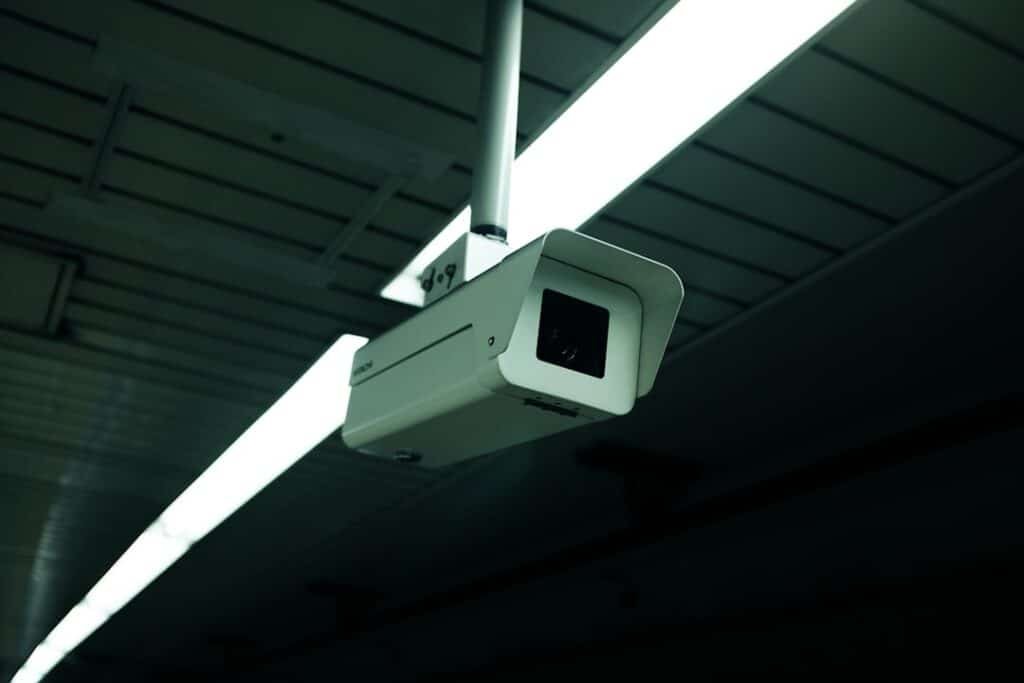
While smart door locks provide enhanced convenience and security, it’s wise to implement additional measures to fortify your home’s safety further. One effective strategy is to install surveillance cameras around entry points, allowing you to monitor activity in real-time through your smartphone or computer. Many modern cameras integrate seamlessly with smart home systems, providing alerts when motion is detected.
Another measure is to utilize door sensors that alert you when doors are opened or closed unexpectedly. These sensors can work in tandem with your smart locks, providing an extra layer of protection against unauthorized access. Additionally, consider reinforcing physical security by installing deadbolts or using high-quality hardware that complements your smart lock setup.
By combining these measures with your existing system, you create a comprehensive security solution that addresses various potential vulnerabilities.
Regular Maintenance and Updates for Your Security System and Smart Door Locks
To ensure optimal performance of your security system and smart door locks, regular maintenance and updates are essential. Start by routinely checking batteries in your smart locks; many models will alert you when battery levels are low, but it’s good practice to replace them proactively every six months or so. Additionally, inspect all components of your security system for any signs of wear or damage that may require attention.
Software updates are equally important as they often include critical security patches and new features that enhance functionality. Make it a habit to check for updates regularly through the app associated with your security system and smart locks. By staying proactive about maintenance and updates, you not only extend the lifespan of your devices but also ensure that they remain secure against emerging threats in an ever-evolving technological landscape.
In conclusion, integrating smart door locks into your existing security system can significantly enhance both convenience and safety in your home. By understanding compatibility, choosing the right products, setting up user access effectively, and maintaining regular updates, you can create a robust security environment tailored to your needs. Embracing these technologies not only simplifies daily routines but also provides peace of mind knowing that your home is well-protected against potential threats.
If you are looking to set up your security system to work with your smart door locks, you may also be interested in learning about sustainable home security and eco-friendly solutions. Our article on sustainable home security explores ways to protect your home while also being environmentally conscious. By implementing eco-friendly solutions, you can enhance the security of your home while reducing your carbon footprint.
FAQs
What is a smart door lock?
A smart door lock is a keyless lock that can be controlled and monitored remotely using a smartphone or other smart devices. It allows users to lock and unlock their doors, grant access to others, and receive notifications about the lock’s activity.
How can I set up my security system to work with my smart door locks?
To set up your security system to work with your smart door locks, you will need to ensure that your security system is compatible with your smart door locks. This may involve installing a compatible smart home hub or using a security system that has integration capabilities with smart door locks.
What are the benefits of integrating my security system with my smart door locks?
Integrating your security system with your smart door locks allows for a more comprehensive and convenient home security solution. It enables you to control and monitor both your security system and smart door locks from a single interface, receive unified notifications, and create automated routines for enhanced security and convenience.
What are some popular security systems that work with smart door locks?
Popular security systems that work with smart door locks include systems from brands such as ADT, SimpliSafe, Ring, and Vivint. It’s important to check compatibility and integration capabilities before choosing a security system to ensure it works with your smart door locks.
Can I control my smart door locks remotely through my security system?
Yes, if your security system is integrated with your smart door locks, you can typically control and monitor your smart door locks remotely through the security system’s mobile app or web interface. This allows you to lock and unlock your doors, grant access to others, and receive notifications about the lock’s activity from anywhere.